Iris for accessibility: voice first
Iris was built to be talked to. For people who are blind or have low vision, have limited use of their hands, or find screens tiring, it does the looking and the clicking.
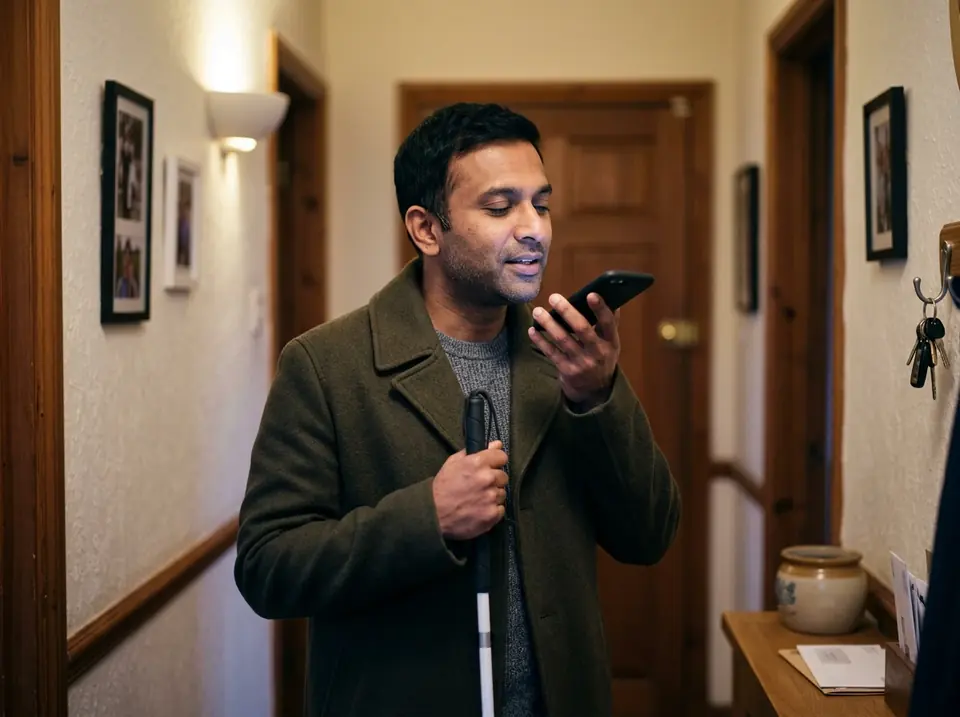
On the way out
- You say
- "Anything important in my mail before I go?"
- Iris does
- Iris reads the important ones aloud and drafts an answer to the one that can't wait, by voice.
- Your okay
- It reads the reply back to you, and sends it after your okay.
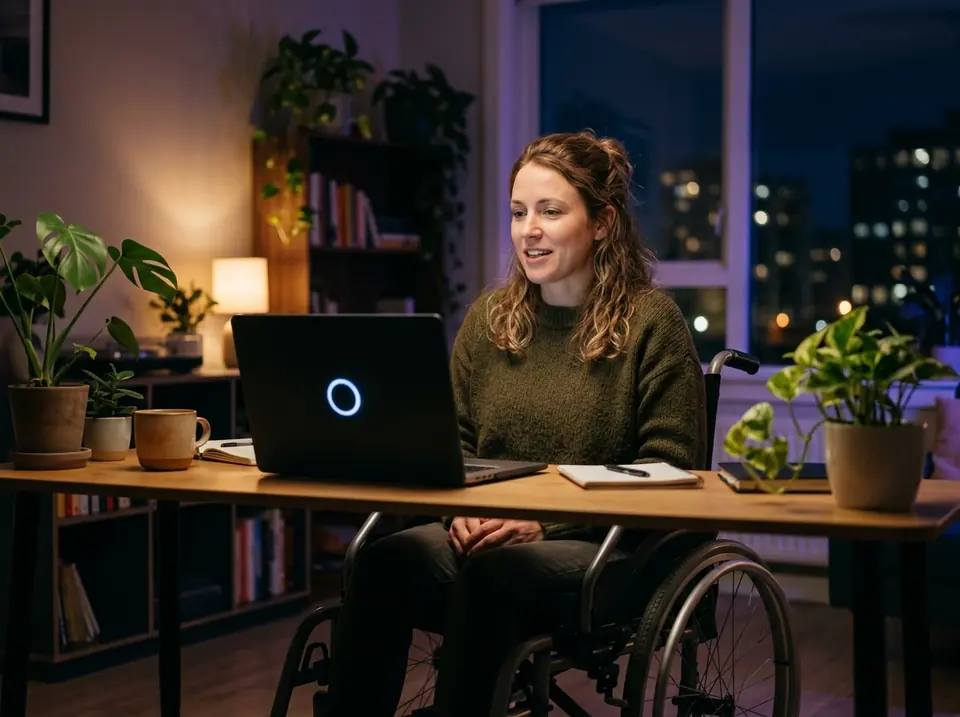
Hands-free on the Mac
- You say
- "Fill in the form on this site with my details."
- Iris does
- With your permission, Iris uses the screen, mouse and keyboard on your Mac to fill it in.
- Your okay
- Before it submits, it asks. Passwords come from the vault, never seen by the assistant.
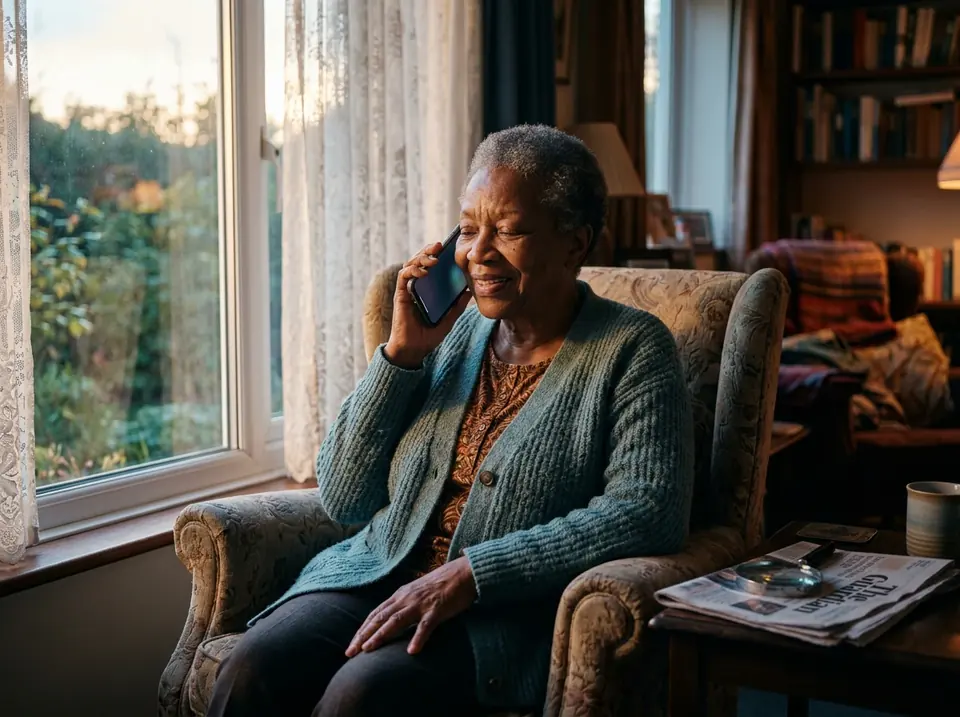
A letter, read aloud
- You say
- "Read me the letter from the hospital."
- Iris does
- From a photo you take with your phone, Iris reads it aloud and tells you what it asks of you.
- Your okay
- Nothing to approve: it only reads.
Be among the first
Have an invite? Log in. Using Iris means you accept the terms of service. The privacy statement explains what we keep.